![MenuMetric_500_130.png]](https://support.menumetric.com/hs-fs/hubfs/MenuMetric_500_130.png?height=50&name=MenuMetric_500_130.png)
How to Complete a Deal with Line5
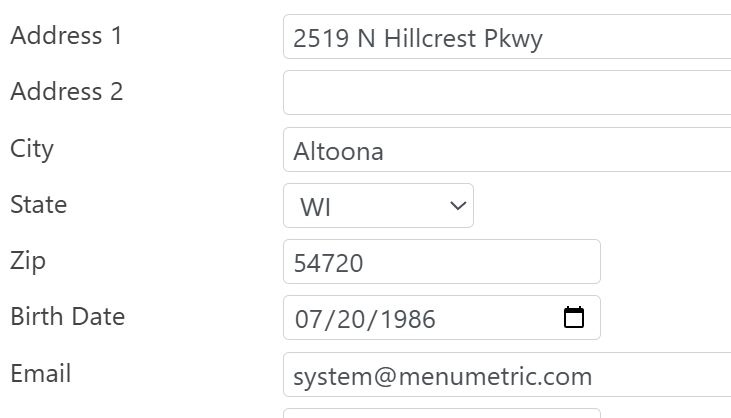
When starting a Line5 deal, please ensure the following customer information is entered accurately:
- Email Address
- Home Address
- Birthdate
Step 1: Select the Line5 Layout
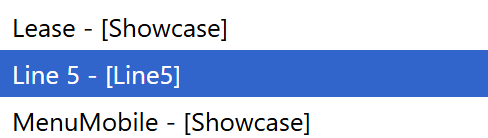
After confirming the customer information, proceed to the Layout Page and select your Line5-specific template. Please note that the products in this template are specifically linked to Line5. Do not add any products that are not already included as available options.
Step 2: Rate Products
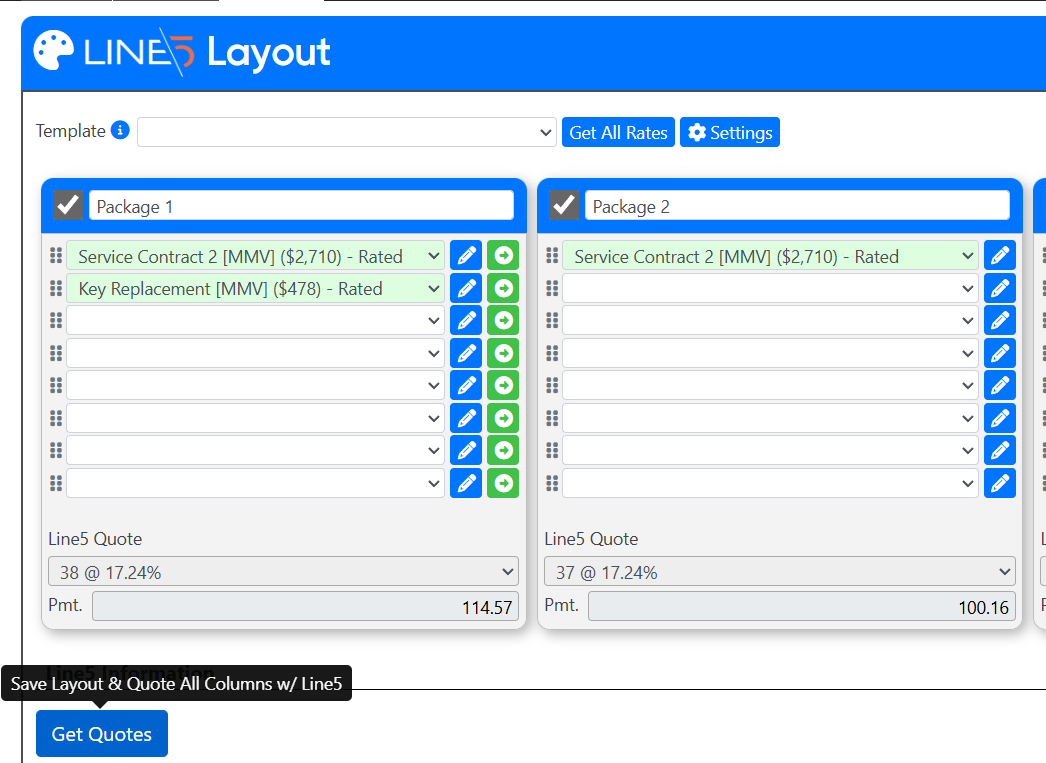
Rate the products as you normally would:
- Select Get All Rates, or
- Rate products individually by clicking the blue pencil next to each product
Once all desired products are rated, click Get Quotes in the lower-left corner. This will pull quotes directly from Line5’s system.
Step 3: Review Menu Payments
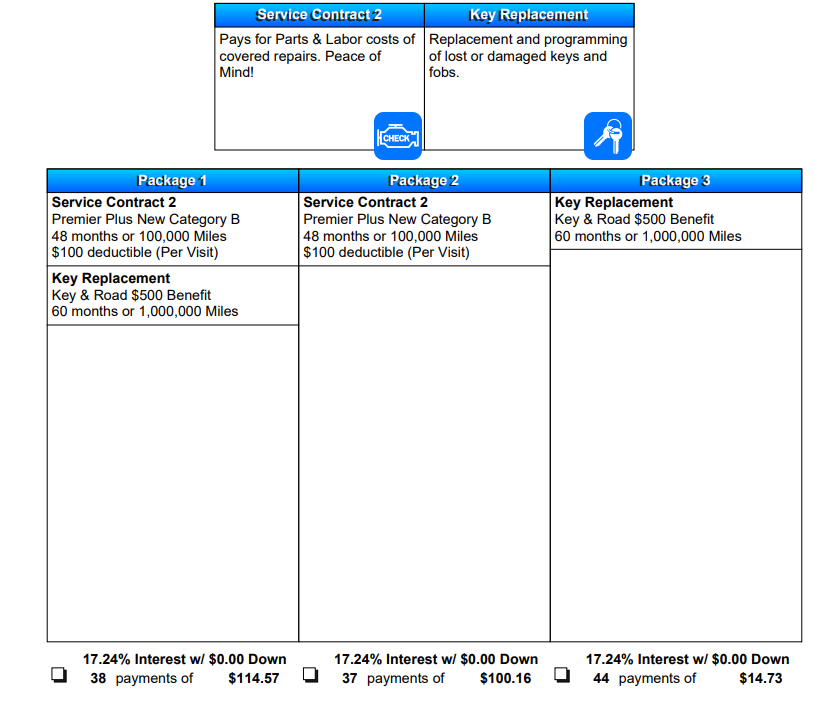
On the Menu, Line5 payment options will display for each package.
Step 4: Product Contracting
Navigate to the E-Forms Page and go to 2. Product Contracting.
- For each applicable product, select Line5 from the Lender dropdown
- Mark each product as Sold
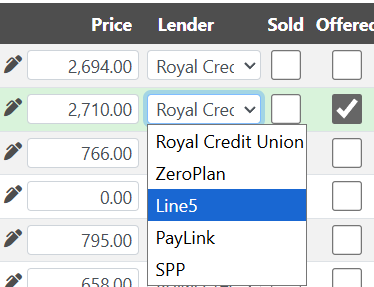
Once all applicable products are set to Line5 and marked as sold, generate the contracts.
Step 5: Contract with Line5
After contracts are generated, proceed to 4. Payment Plans.
- Select the Line5 option to contract

A pop-up window will appear summarizing the deal figures. Click Continue to Line5 in the lower-right corner.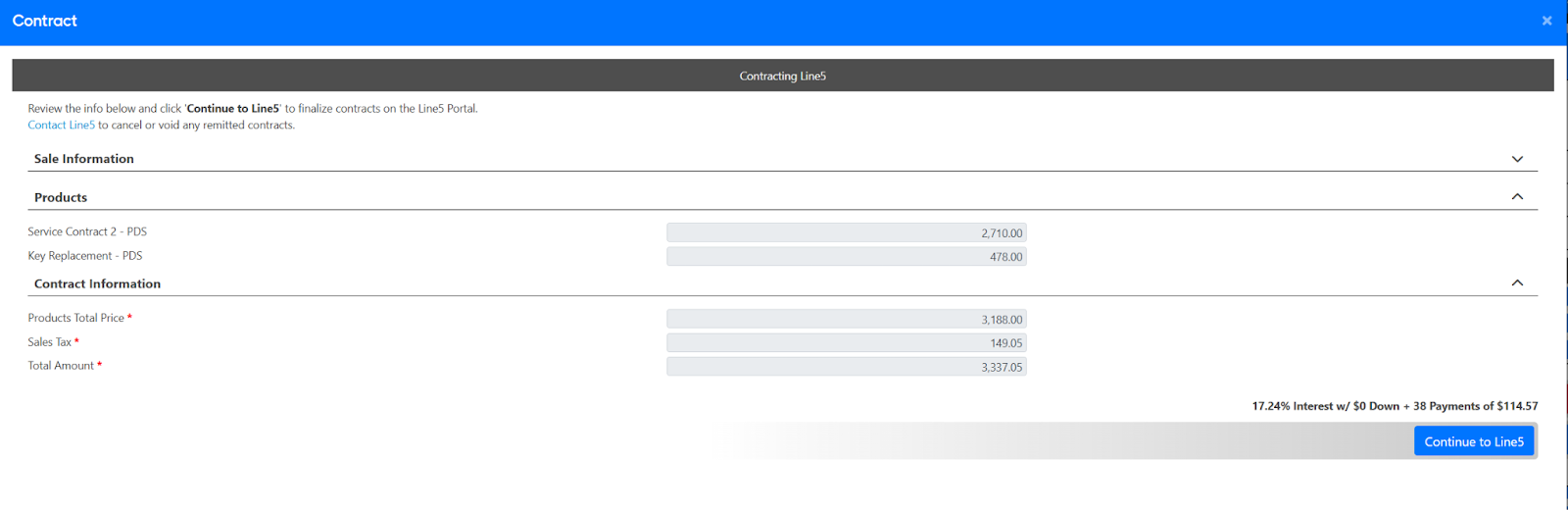
Step 6: Complete Contracting in Line5
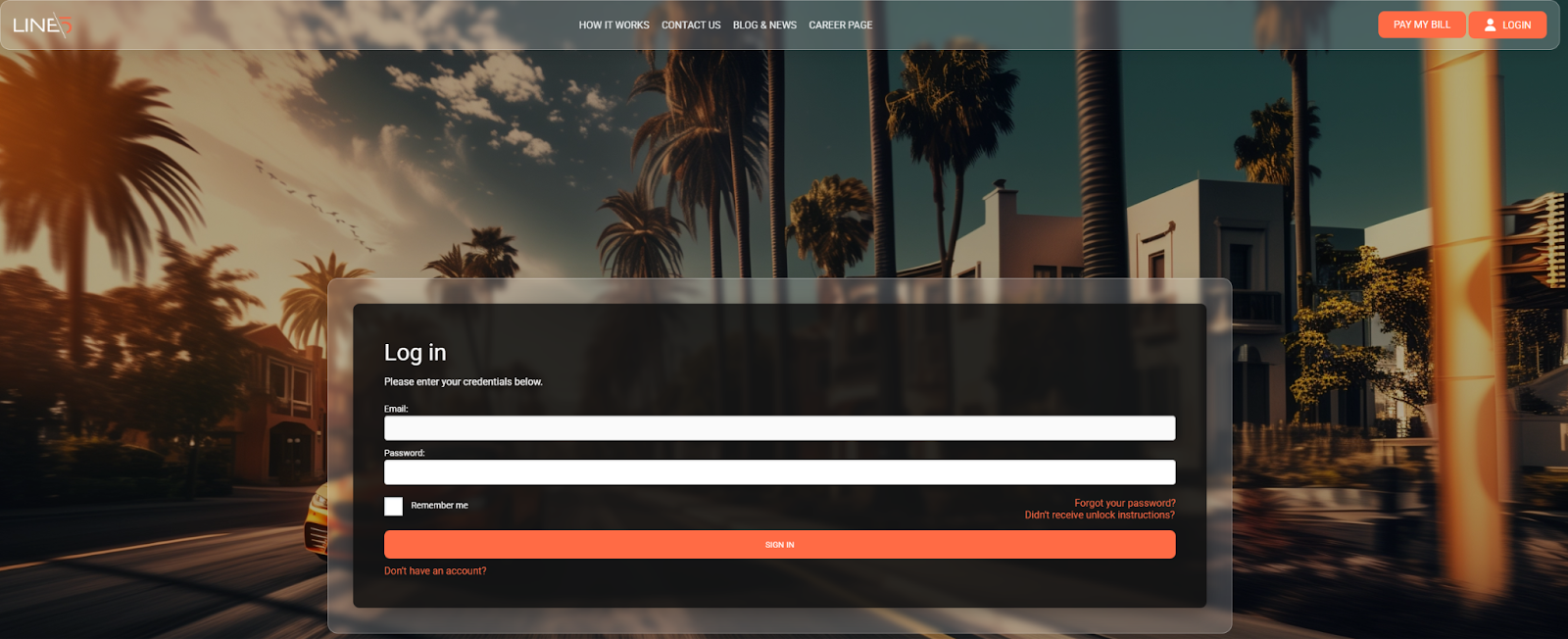
You will be redirected to the Line5 portal.
- Log in using the credentials provided by Line5
- Complete the remaining contracting steps directly within Line5